
- Import from Camera 3:59
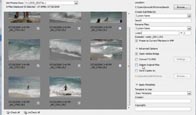
Import all your photos directly from a digital camera
 Use the new Photo Downloader
- Bridge Overview 17:36
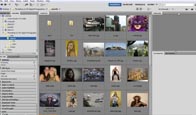
Take a tour of the new Bridge CS4
Get oriented quickly- Collections and Review 10:40
Create collections and smart collections
Use Review mode to sort through tons of images and store them in collections- Bridge Keywords 5:55
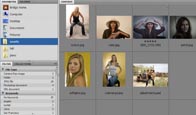
Adding Keywords
Setting up searches and tagging all your photos quickly- Batch Rename 4:03
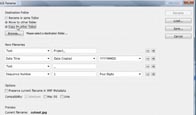
Rename your photos in one fell swoop to something that makes sense to a human
Don’t rename them one at a time!- Metadata 7:35
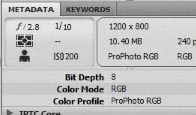
Understanding metadata and bending it to serve you
(XMP, IPTC, EXIF etc) This stuff is powerful and essential- Web and PDF 9:47
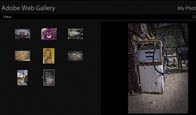
Creating web galleries and PDF presentations
Share your photos on the web or email- Camera Raw Overview 12:21
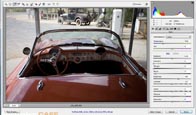
Get a quick overview of Camera Raw 5
Get a tour of all the features and options- Camera Raw Workflow 33:07
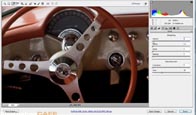
Learn how to make adjustments and corrections, make your photos look the way you intended when you clicked the shutter
Color correction, tonal correction and more- Camera Raw retouch 5:22
Learn to use all the non-destructive retouching tools in Adobe Camera Raw 5
- Graduated Filter in ACR 4:32
Create a split neutral density effect
Powerful dark skies with perfectly exposed foregrounds- Local Adjustments in ACR 8:29
You can now paint with adjustments, apply them only where they are needed
Non-destructive dodging and burning- Camera Raw Creative 8:04
Get Creative with Camera Raw
Split-toning, sepia and grayscale You’ll be amazed at how easily you can transform your photos into works of art- Camera Raw Multiple Images 2:46
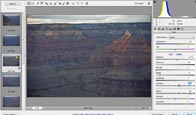
Want to edit multiple images in one hit in Camera Raw? You’ll learn this and how to edit jpg and tiff in Camera Raw
- GPU Powered Viewing 6:17
Zoom smoothly, view images sharply at any magnification
Dynamically resize brushes and more Learn how- Adjustments Panel 7:42
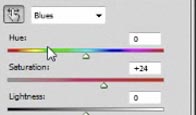
The new Adjustments panel, changes how you work with image adjustments
Discover some of the not to obvious enhancements- Eye Dropper 7:54
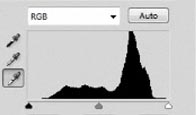
Use the eyedropper and info palette to add luster to dull images
This is one industrial-strength technique for you to add to your arsenal- Curves Overview 12:49
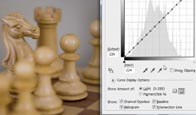
Understand how Curves work
Don’t just push buttons and drag things Understand what your doing Explained in simple, no nonsense language- Shadow/Highlight 5:55
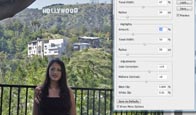
Open up shadows and restore highlights in your photos with ease
Refine the tones- Color Correction 5:14
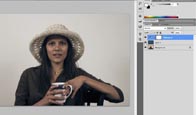
A trick to quickly remove the color cast from any photo
- LAB Mode 9:18
This one’s for the really stubborn images
You’ll be amazed at the difference this makes to your photos- Healing 1:55
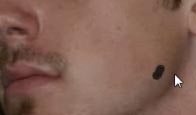
Use the Healing brush to remove blemishes in photos
A great tool for retouching people- Patch Tool 2:22

Just like the healing brush, but for larger areas
See it work in tandem with the Clone-Stamp tool- Redeye 1:39

Get rid of red eye
Don’t let red eye spoil your photographs- Noise Reduction 6:55
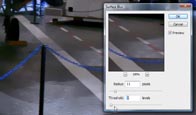
Learn two techniques that will remove color noise and luminosity noise from your photos
- Cloning 5:23
Use the new clone source palette
Remove a person from a photo- Dodge and Burn Tools 12:57

The Dodge, Burn and Sponge tools have an overhaul in CS4
Discover a secret technique to make them even more useful- Dodge and Burn (non destructive) 8:17
Create a seamless panorama
You’ll create a sweeping panorama of the Grand Canyon from 9 photos Yep, it’s safe for you to do this at home- Masks Panel 9:38
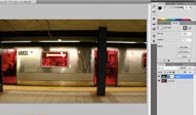
Use Layer Masks to paint in your image adjustments exactly where you want them
Use the new Mask Panel to do things in a new and fast way- Quick Select/Refine Edge 7:43
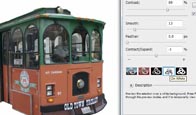
Discover the new Quick select tool
Also learn about refine edge to get crisp and clean edges on your cutouts- Extract 6:31
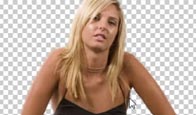
Use this method to remove an object from its background
This technique even works well on soft edges like hair Here you will learn a real-world workflow- Color Range 13:29
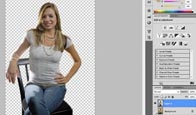
Mask impossible images
This workflow will show you the most accurate way to remove an object from its background This is advanced masking and it really works- Cropping for Print 6:37
Quickly prepare you image to print nicely on a targeted size and resolution
It’s easier than you think with this trick- Lens Correction 5:04
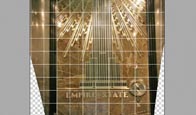
Fix barreling, keystones and more
- Content Aware Scale 5:41
- Sharpening 4:31
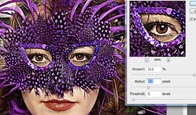
Learn what happens to your photo when you sharpen
Use the classic Unsharp Mask- Smart Sharpen 6:10
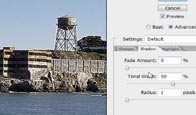
Use Smart Sharpen
A more advanced way of sharpening- High Pass Sharpening 1:40
A non-destructive sharpening technique that’s used by the entertainment industry
- Smart Objects 12:11

Understand how to use Smart Objects and Smart Filters
Non-destructive filters are here in Photoshop Learn all the insider secrets of this feature- Panorama 5:46
Create a seamless panorama
You’ll create a sweeping panorama of the Grand Canyon from 9 photos Yep, it’s safe for you to do this at home- HDR - High Dynamic Range 10:36
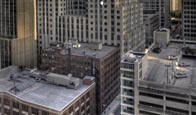
Learn about HDR (High Dynamic Range)
Produce images with a huge dynamic range where detail is clear in both shadows and highlights Also create artistic results- Extended Depth of Field 2:49
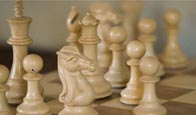
Take a series of photos with a narrow depth of field and merge the focus into a single sharp image
Perfect for macro photography- Add Depth of Field 9:12
This technique will add believable depth of field to you images
Create dreamy backgrounds while keeping your main subject crisply in focus- Vanishing Point 10:23
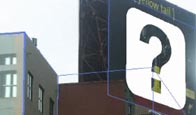
Use the new Vanishing point 2
Add a logo to several surfaces, clone, and paint in 3D space- Black and White 9:56
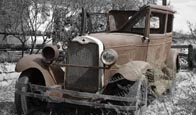
Turn color images into stunning Black and White beauties
Two techniques- Soft Glow 3:35
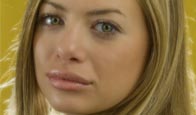
Add to soft romantic glow to portraits
Take a snapshot and make it look like a high-end portrait sitting- Photos into Watercolor 5:30
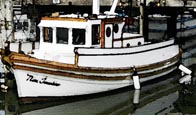
Take a photo and make it look like a watercolor painting
Even add the canvas textureDownload:

http://rapidshare
com/files/231305851/PhotoshopCafeCS4For DigitalPhotographer sr00http://rapidshare.com/files/23130587...tographers.r01
http://rapidshare.com/files/23130577...tographers.r02
http://rapidshare.com/files/23130588...tographers.r03
http://rapidshare.com/files/23130585...tographers.r04
http://rapidshare.com/files/23130594...tographers.r05
http://rapidshare.com/files/23130604...tographers.r06
http://rapidshare.com/files/23130614...tographers.r07
http://rapidshare.com/files/23130600...tographers.r08
http://rapidshare.com/files/23130570...tographers.r09
http://rapidshare.com/files/23130607...tographers.r10
http://rapidshare.com/files/23130562...tographers.r11
http://rapidshare.com/files/23130607...tographers.rar

http://www
filedeppocom/file/1430/PhotoshopCafe-CS4-For-Digital-Photographers-rarhttp://www
filedeppocom/file/1431/PhotoshopCafe-CS4-For-Digital-Photographers-r11http://www
filedeppocom/file/1432/PhotoshopCafe-CS4-For-Digital-Photographers-r10http://www
filedeppocom/file/1433/PhotoshopCafe-CS4-For-Digital-Photographers-r09http://www
filedeppocom/file/1434/PhotoshopCafe-CS4-For-Digital-Photographers-r08http://www
filedeppocom/file/1435/PhotoshopCafe-CS4-For-Digital-Photographers-r07http://www
filedeppocom/file/1436/PhotoshopCafe-CS4-For-Digital-Photographers-r06http://www
filedeppocom/file/1437/PhotoshopCafe-CS4-For-Digital-Photographers-r05http://www
filedeppocom/file/1438/PhotoshopCafe-CS4-For-Digital-Photographers-r04http://www
filedeppocom/file/1439/PhotoshopCafe-CS4-For-Digital-Photographers-r03http://www
filedeppocom/file/1440/PhotoshopCafe-CS4-For-Digital-Photographers-r02http://www
filedeppocom/file/1441/PhotoshopCafe-CS4-For-Digital-Photographers-r01http://www
filedeppocom/file/1442/PhotoshopCafe-CS4-For-Digital-Photographers-r00

0 yorum:
Yorum Gönder